People App 2.0
About the project
Timeline
Dec '25 - Mar '26
My role
Lead Product Designer
Platforms
Mobile
Problem
The original PEOPLE App experience was built around a swipeable entertainment feed, but it did not fully leverage PEOPLE’s large archive of articles from PEOPLE.com. As the app grew, users needed clearer ways to access readable article content while still discovering scenes, collections, and games.
Goal
Redesign the core app experience to better balance quick entertainment discovery with deeper article reading. The updated experience needed to make PEOPLE’s article library more accessible while continuing to promote scenes, collections, and the growing games ecosystem.
Outcomes & Results
The PEOPLE App 2.0 redesign created a stronger foundation for content discovery by connecting articles, scenes, collections, and games into one more cohesive mobile experience. The updated structure supported a projected 30% increase in article engagement, 25% lift in content discovery, and 20% increase in cross-feature navigation across the app.
The redesign also gave product and editorial teams a more scalable framework for surfacing PEOPLE’s broader content library. Instead of relying mostly on the original feed, the app could better promote timely articles, curated collections, visual scenes, and high-engagement games from multiple entry points.
Key Learnings
Content Depth Needs Structure
A large content library only becomes valuable in an app when users can easily navigate it. The redesign showed how stronger hierarchy, clearer entry points, and better content grouping can make a deep archive feel approachable on mobile.
Discovery Should Connect Features
Articles, scenes, collections, and games could not feel like separate areas competing for attention. Connecting them through shared discovery patterns helped the app feel more cohesive and gave users more reasons to keep exploring.
Redesigns Should Expand Value
The 2.0 launch was not just a visual refresh. It expanded the value of the app by making more content types accessible, creating stronger pathways across the product, and giving the team a better foundation for future growth.
"How might we redesign the PEOPLE App to make its full content library easier to discover, read, and connect across articles, scenes, collections, and games?"
Home Experience
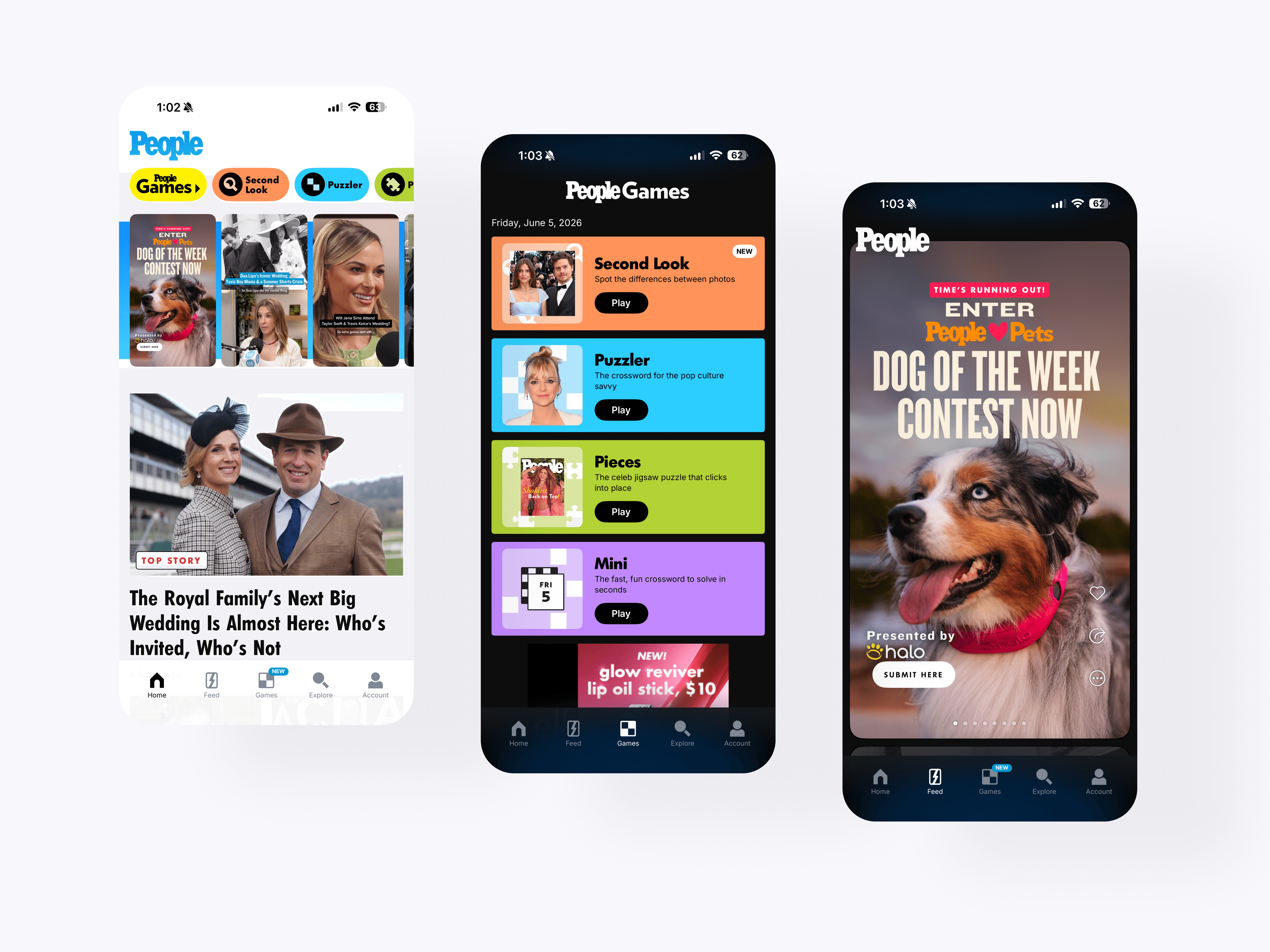
The redesigned home experience introduces a more structured editorial feed that balances top stories, article modules, games, scenes, and collections. This gave users a clearer way to browse PEOPLE’s full content ecosystem from one mobile-first starting point.
Top Story
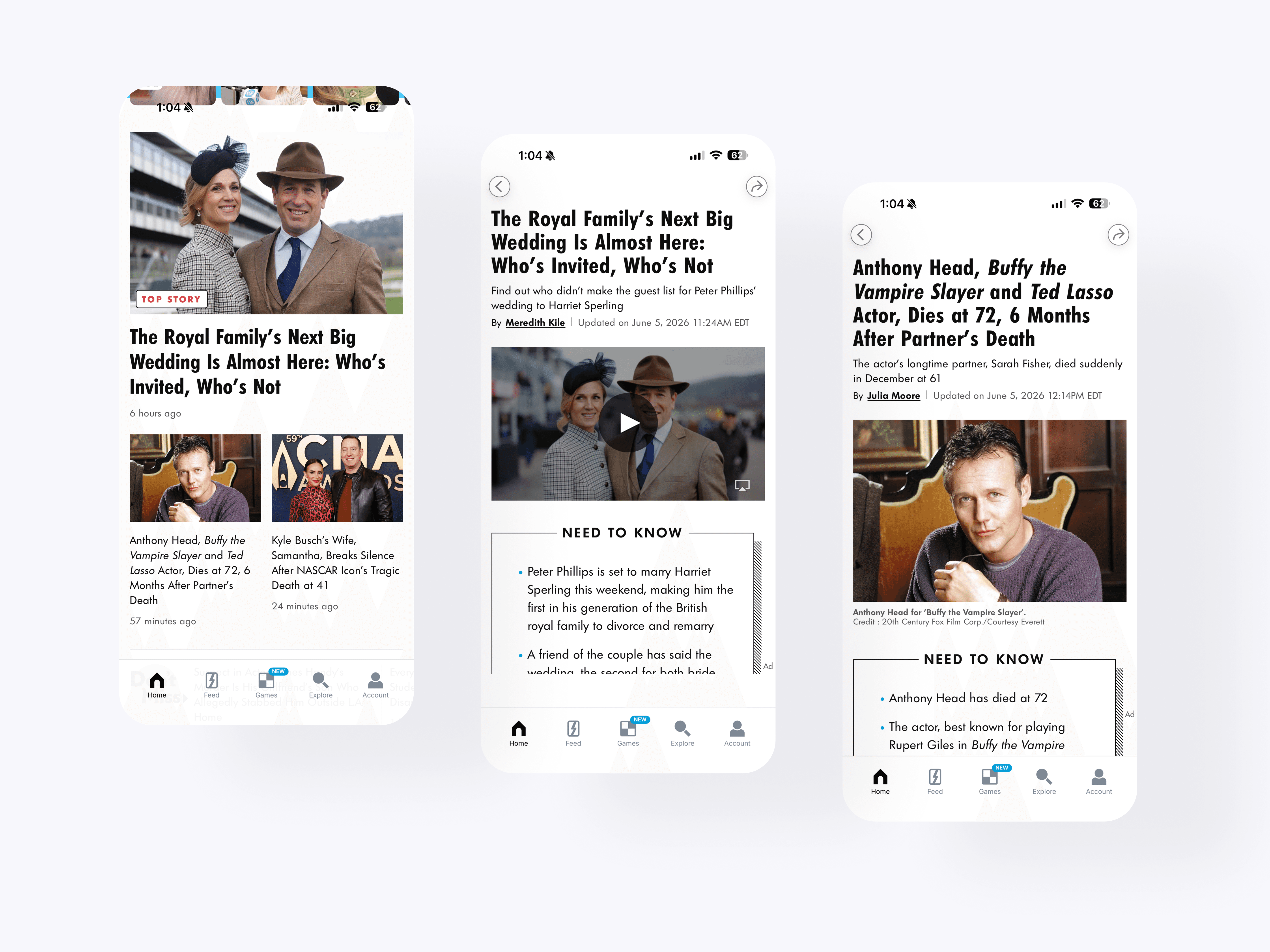
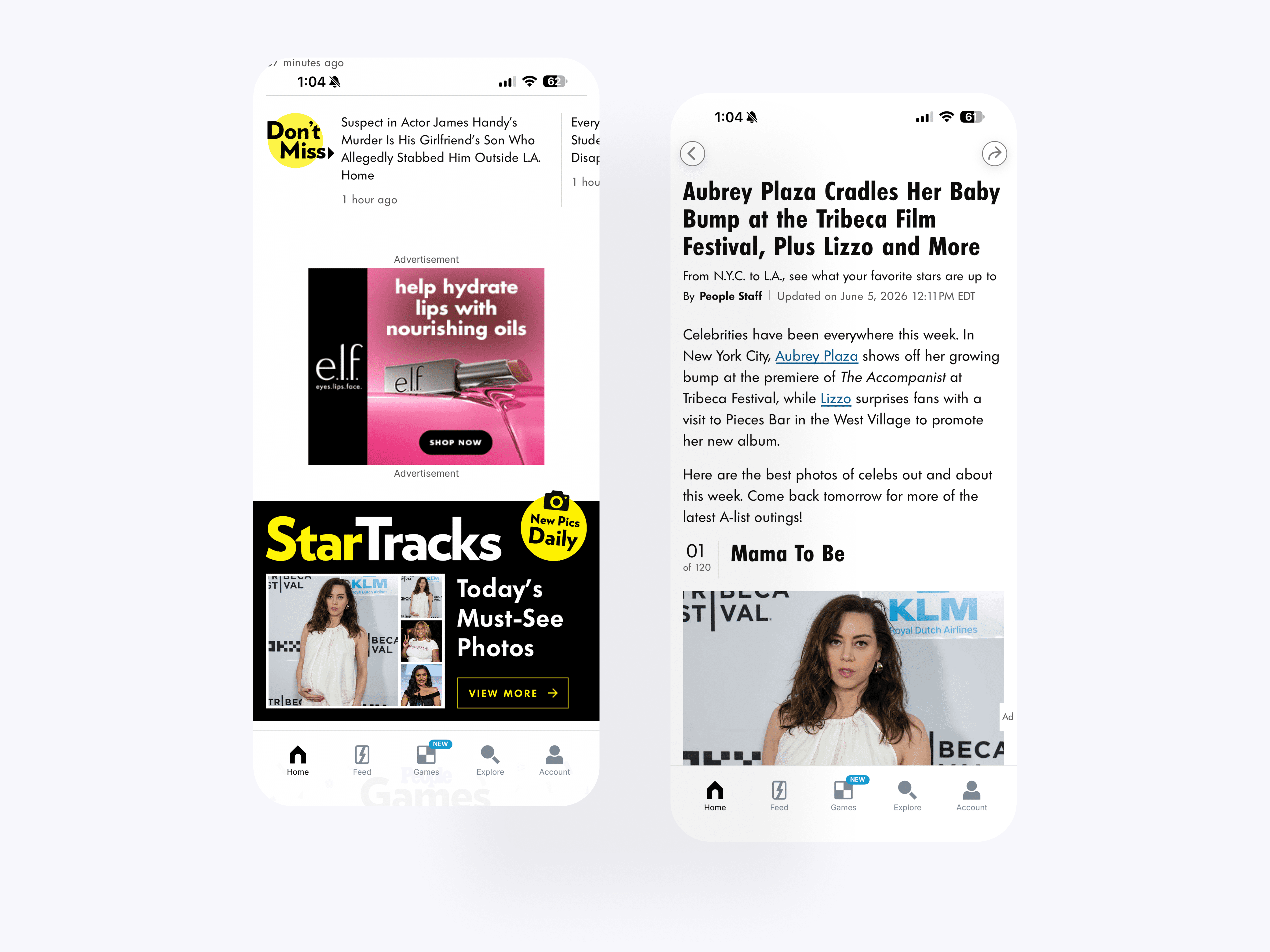
The top story and article detail flow shows how featured PEOPLE stories move from the home feed into a full mobile reading experience. Editorial modules like “Need to Know” help break longer stories into scannable sections while keeping the article experience easy to follow.
Don't Miss & StarTracks
The editorial modules bring high-performing PEOPLE.com sections like StarTracks and Don’t Miss into the app experience. These blocks gave users more ways to discover timely photos, must-read stories, and deeper editorial content without relying only on the main home feed.
Games Discovery
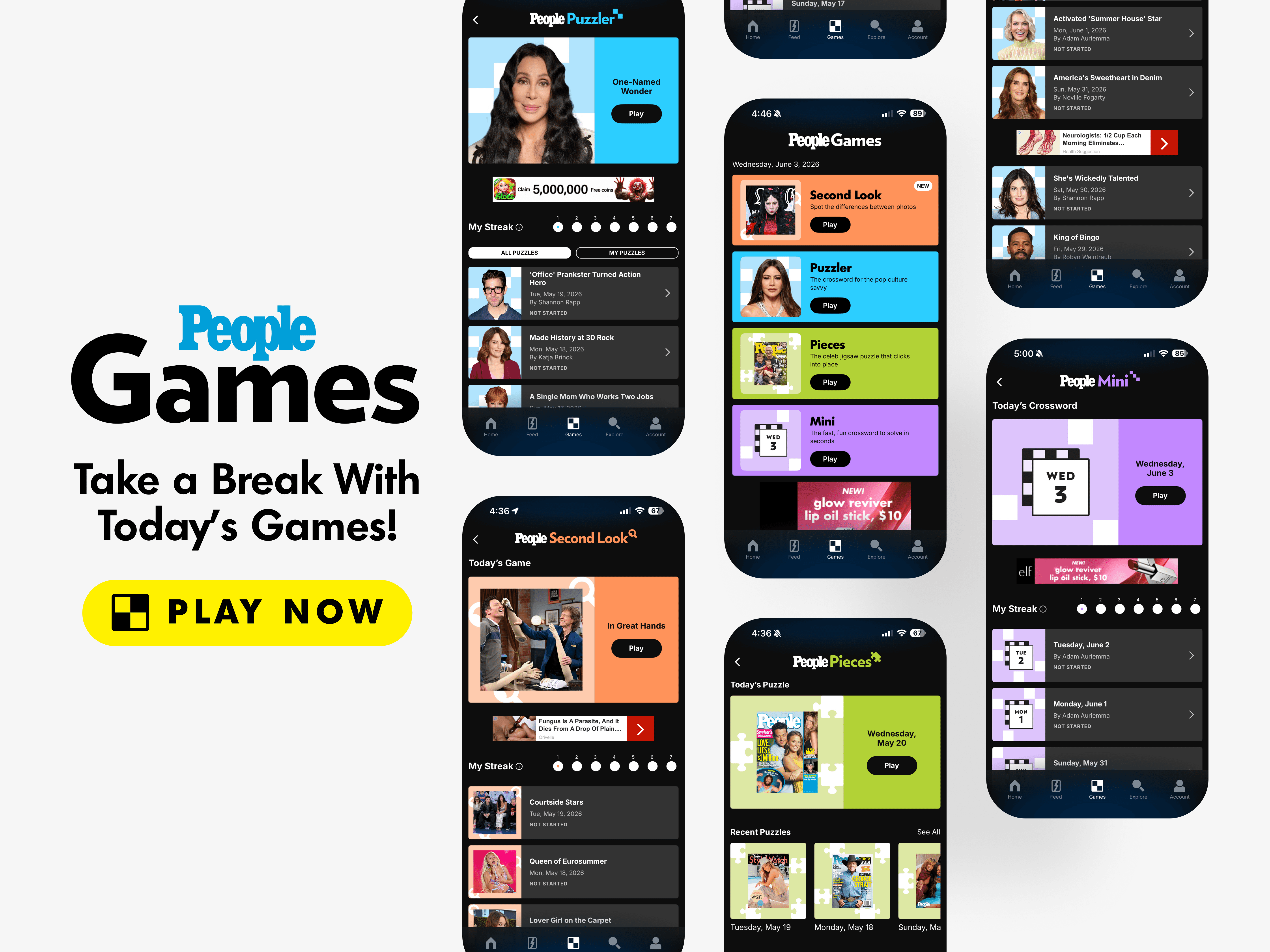
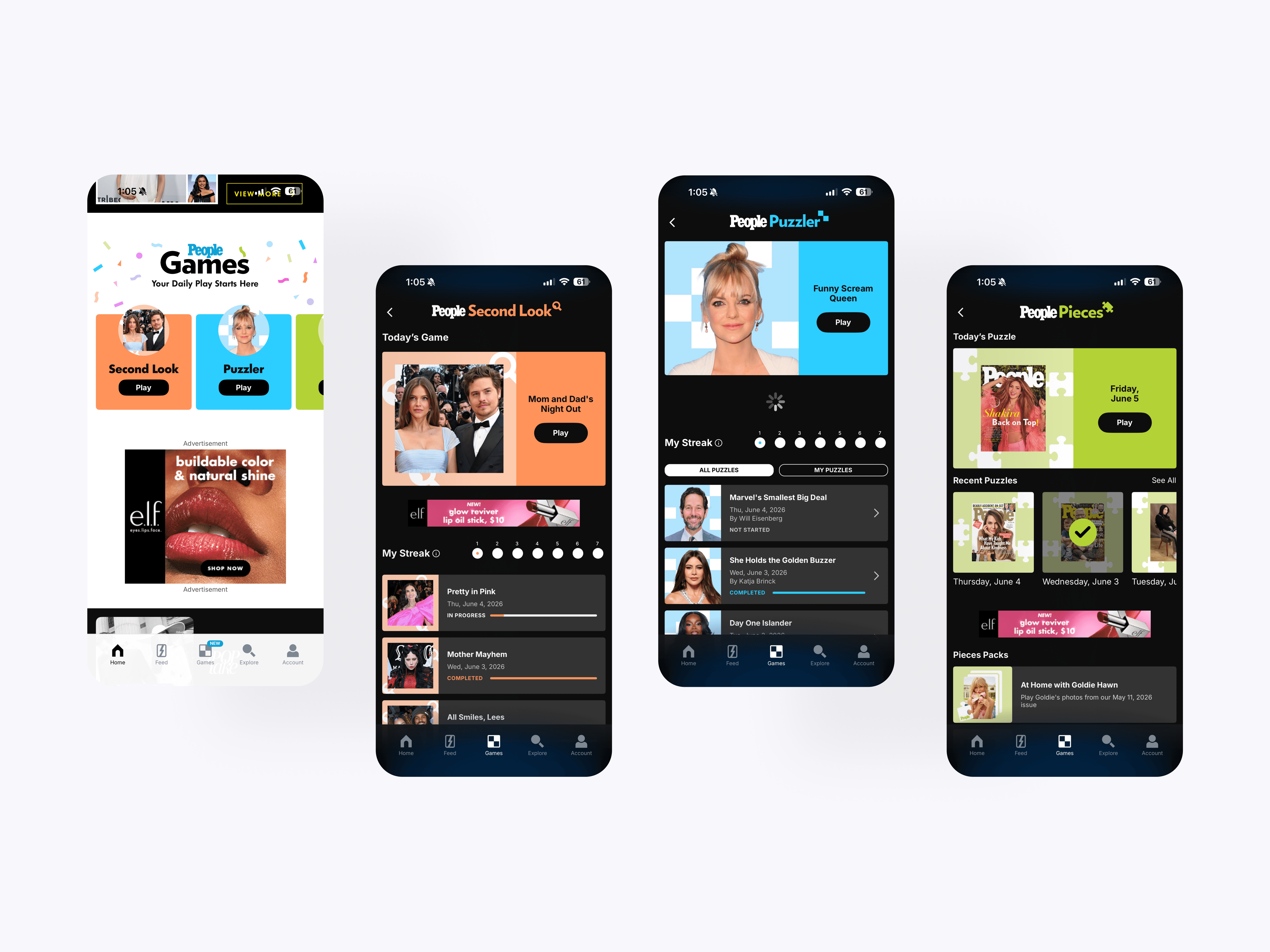
The games discovery experience gives PEOPLE’s growing game portfolio a stronger presence across the app. Users can enter the main Games hub or individual game experiences from multiple placements, helping games feel like a core part of the product instead of a separate feature.
Featured Video Series
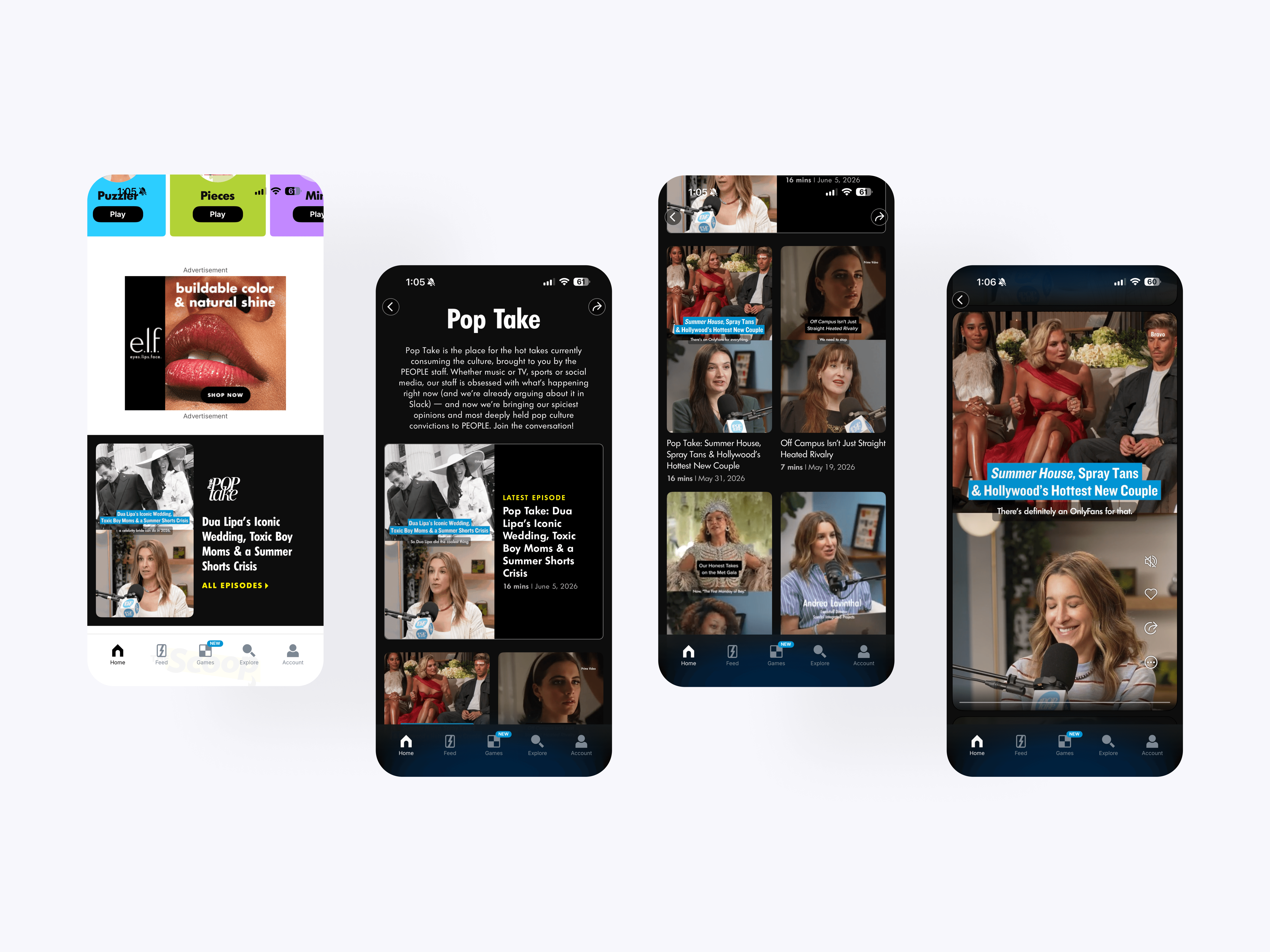
The Featured Video Series creates a dedicated editorial destination for PEOPLE’s video-led entertainment franchise. Users can browse episodes, open individual stories, and move through related content within one focused collection experience.
The Scoop
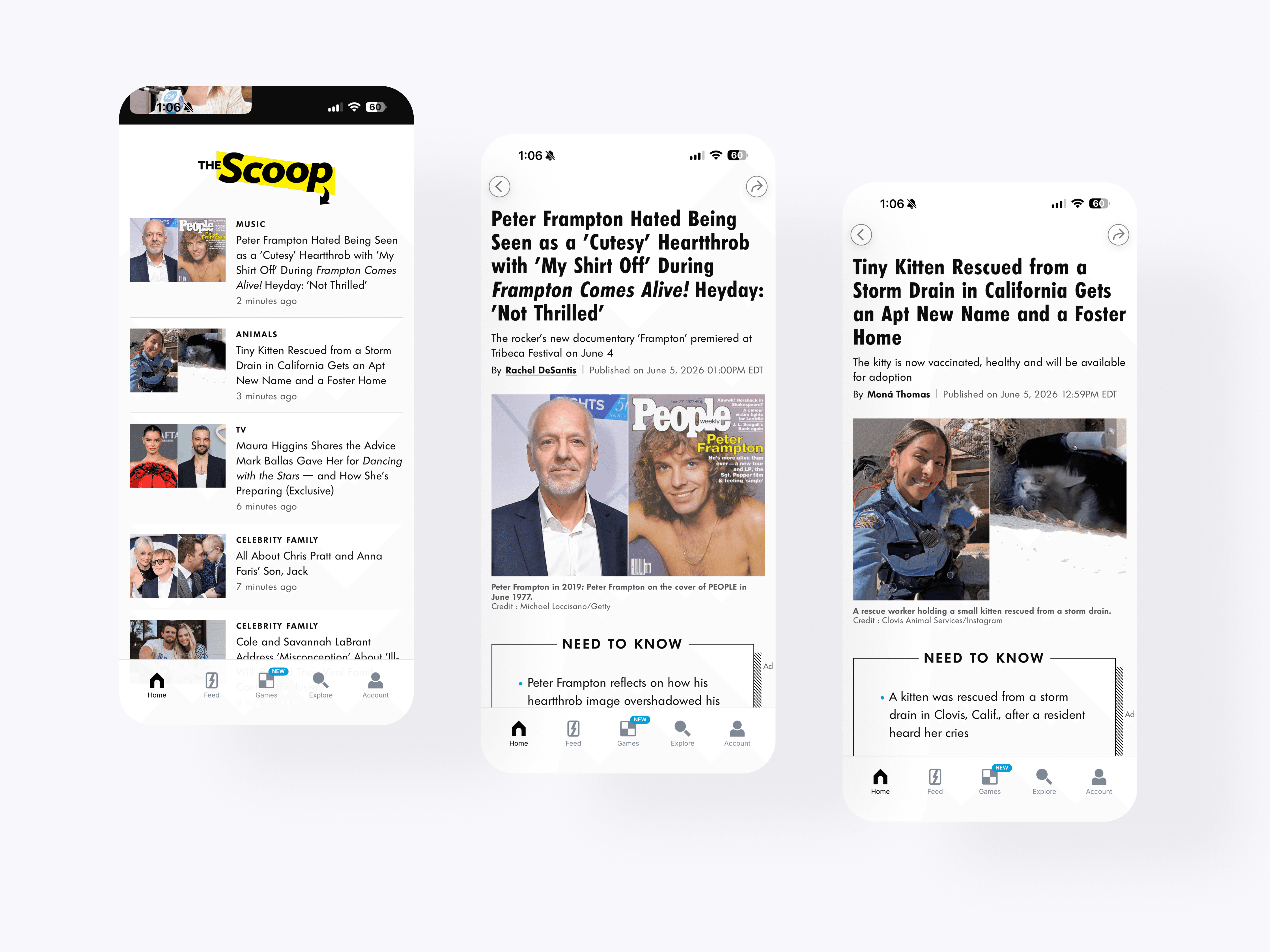
The Scoop brings one of PEOPLE.com’s key editorial sections into the app as a scannable news destination. It gives users a faster way to browse the latest celebrity, entertainment, royals, crime, and human interest stories before opening full article views.

StyleWatch
The StyleWatch block brings PEOPLE’s fashion and style franchise into the app through a branded editorial package. Users can browse visual covers, open related stories, and move into swipeable scene content from one dedicated collection entry point.
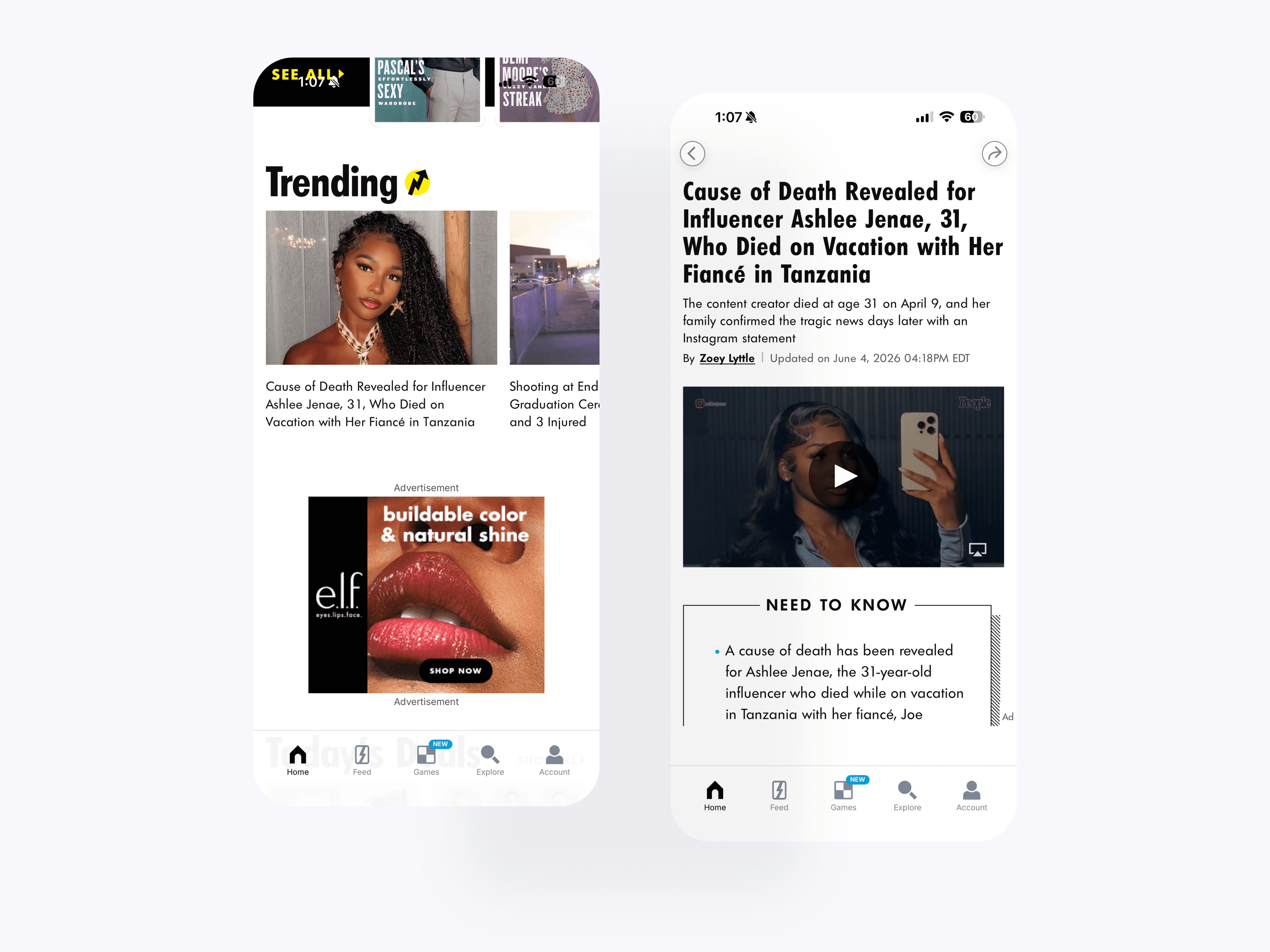
Trending Stories
The trending article blocks surface timely PEOPLE stories in a more visible and scannable format. These modules helped users quickly identify active topics and move from lightweight browsing into full article reading.
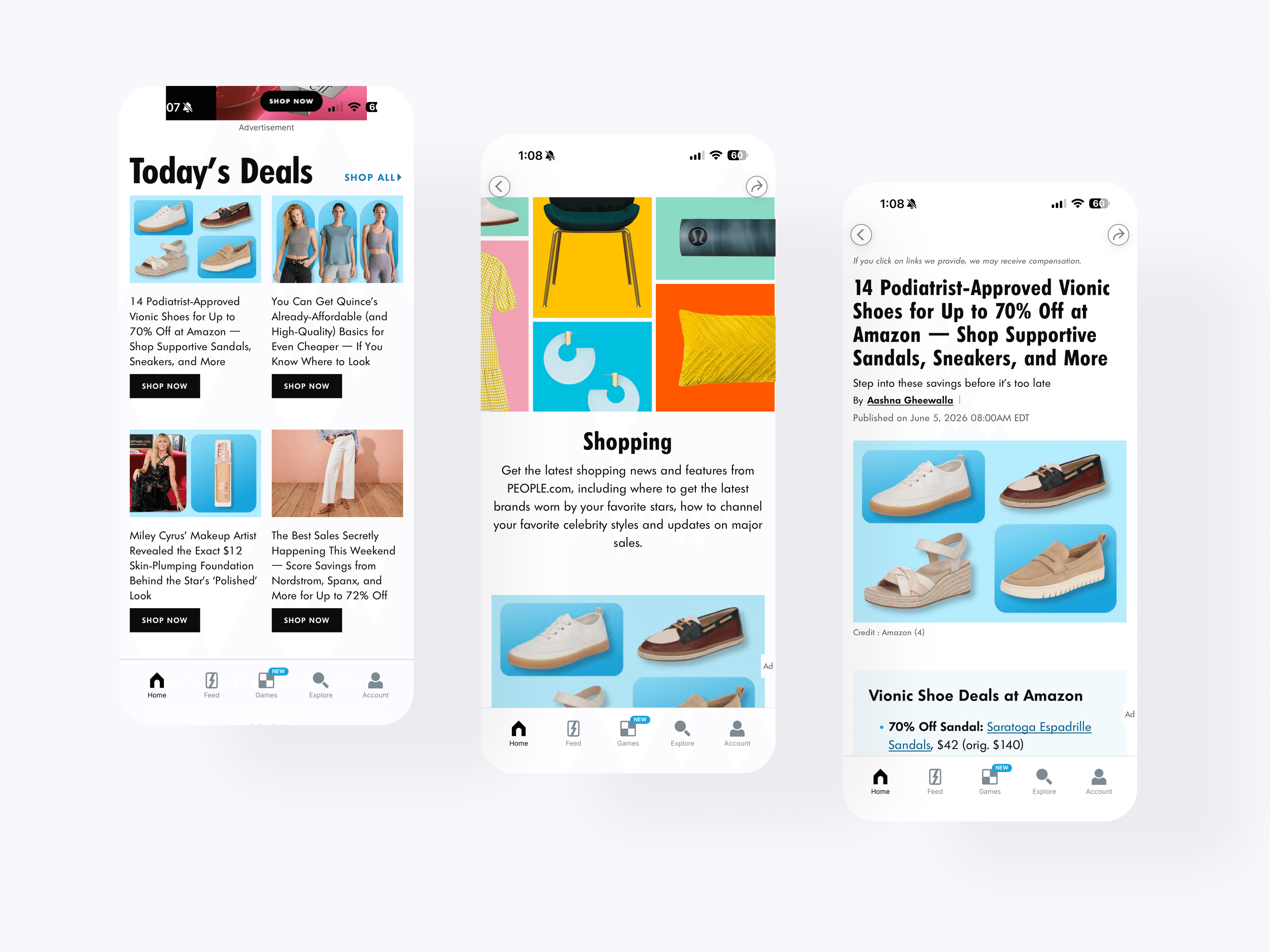
Today's Deals
The shopping editorial blocks bring PEOPLE’s commerce and deal-focused coverage into the app experience. Users can browse product stories, seasonal roundups, and shopping articles while staying within the broader PEOPLE content ecosystem.
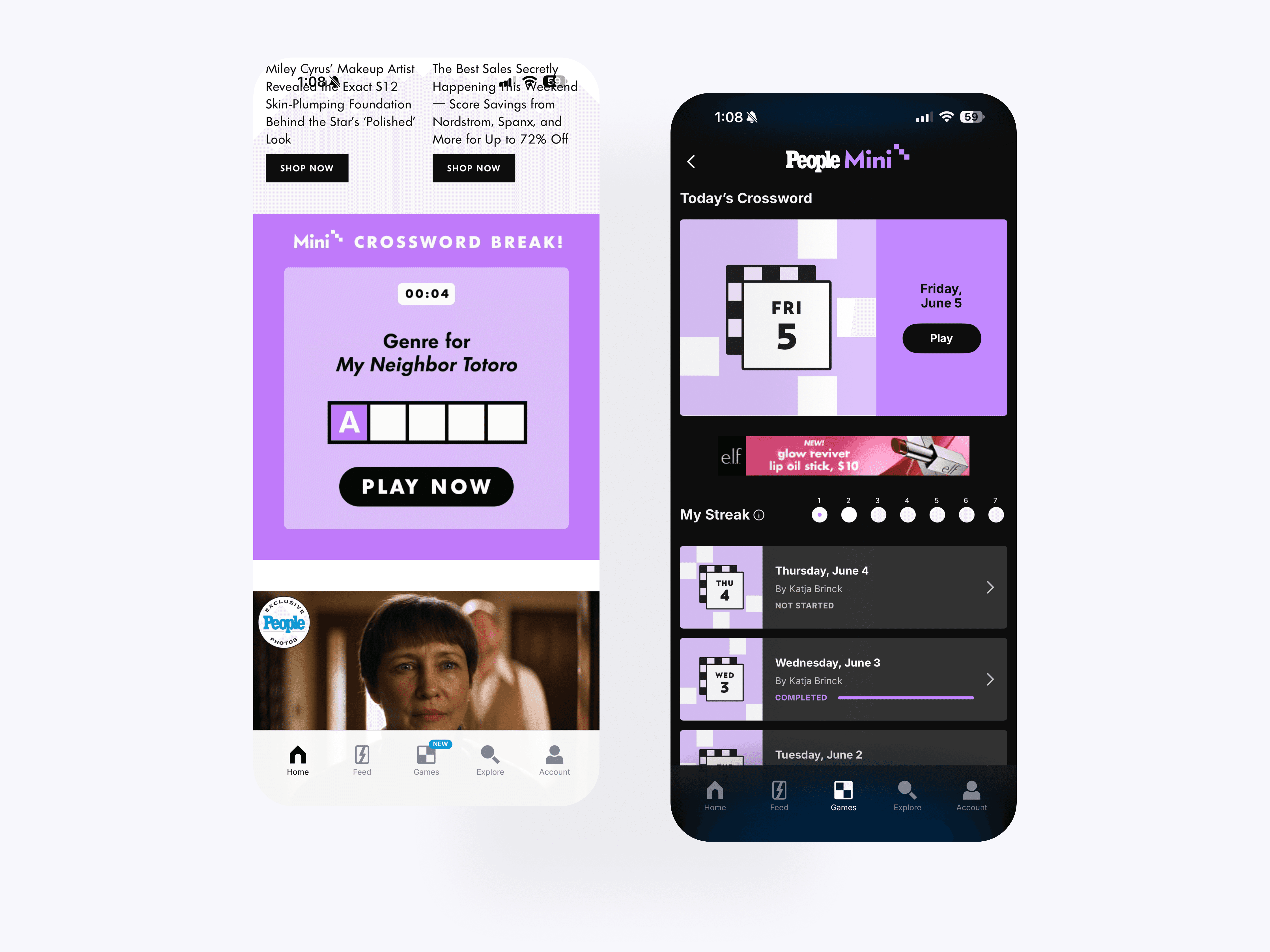
Daily Game Promotion
The game promotion block creates an editorial-style entry point into PEOPLE’s daily games experience. It places gameplay alongside article content, helping users discover interactive features without leaving the main browsing flow.
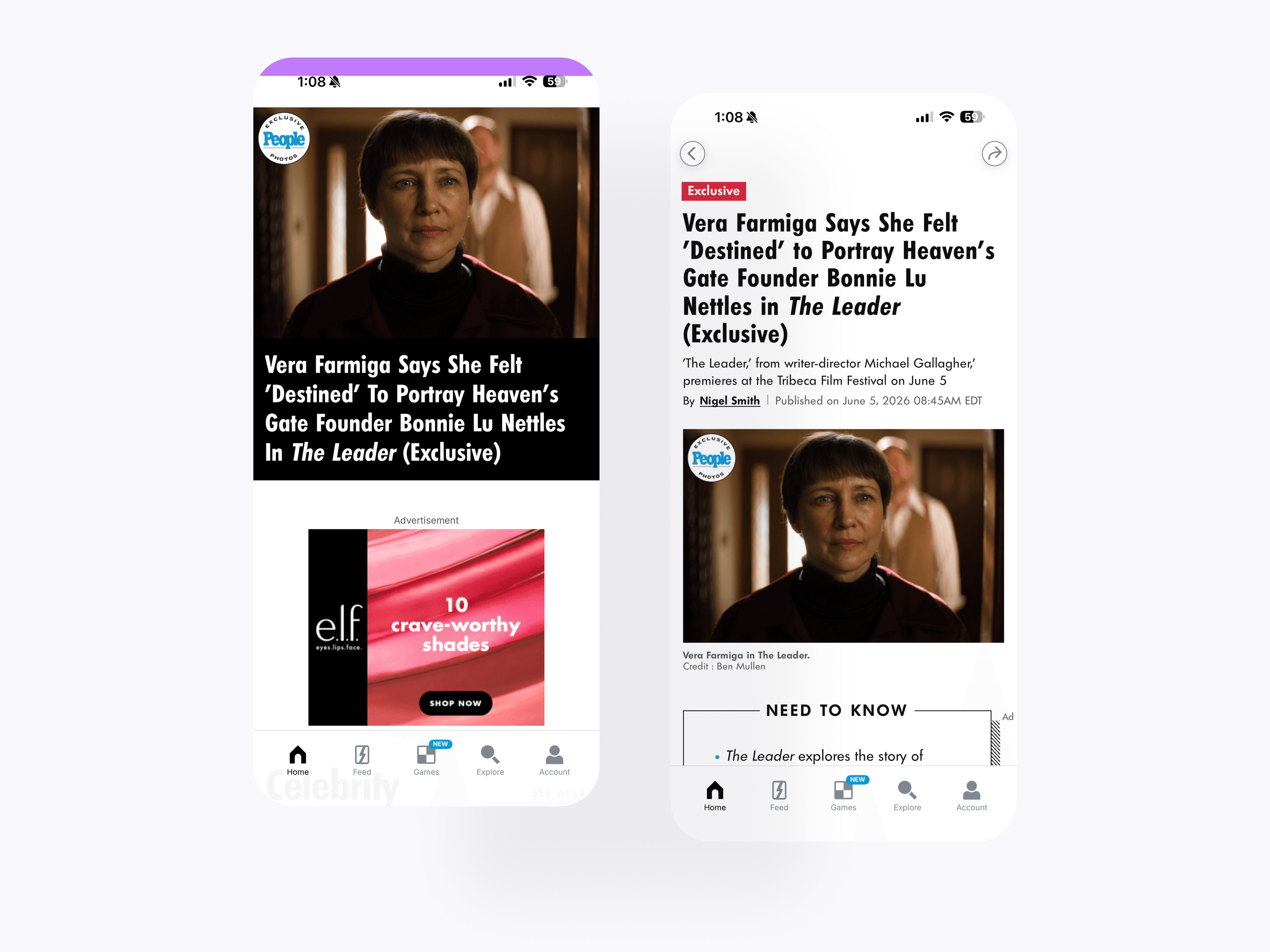
Featured Story
The exclusive article treatment gives premium PEOPLE stories stronger visibility across feed and article surfaces. Badges, large imagery, and structured article layouts help distinguish exclusive content while keeping the reading experience consistent.
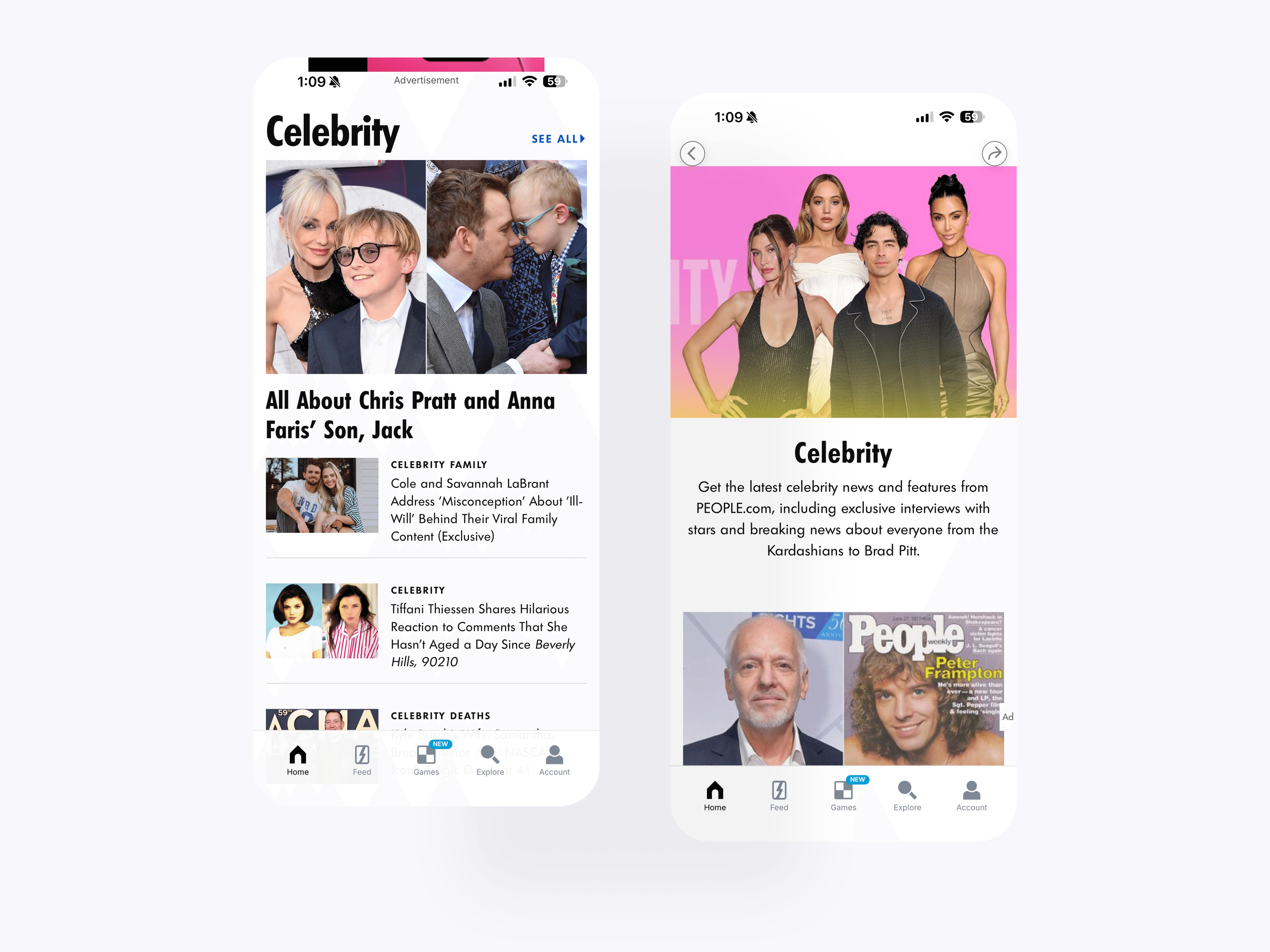
Celebrity
The Celebrity category brings together more than traditional celebrity news by surfacing related PEOPLE coverage across entertainment, human interest, royals, lifestyle, and culture. This gave users a broader entry point into PEOPLE’s most recognizable content while still keeping stories organized in a clear mobile browsing structure.

Entertainment & Real Life Stories
The Entertainment and Real Life categories create dedicated browsing pages for two major PEOPLE editorial areas. Entertainment organizes coverage around TV, movies, music, and books, while Real Life brings together human-interest stories in a more focused mobile format.
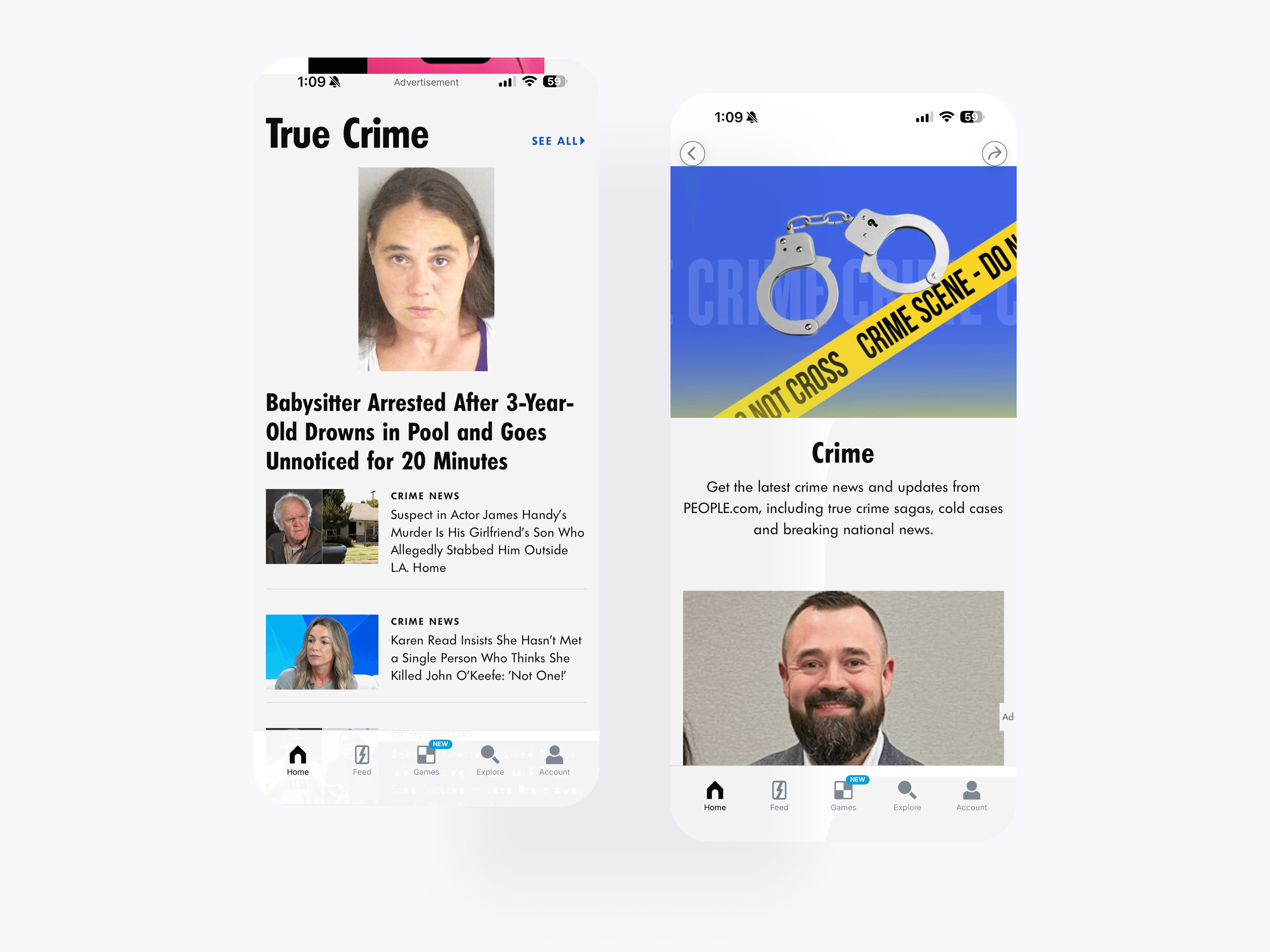
True Crime
The True Crime category gives one of PEOPLE’s high-interest editorial verticals a dedicated destination in the app. The layout combines category context, top stories, and article lists to make crime coverage easier to browse and read.
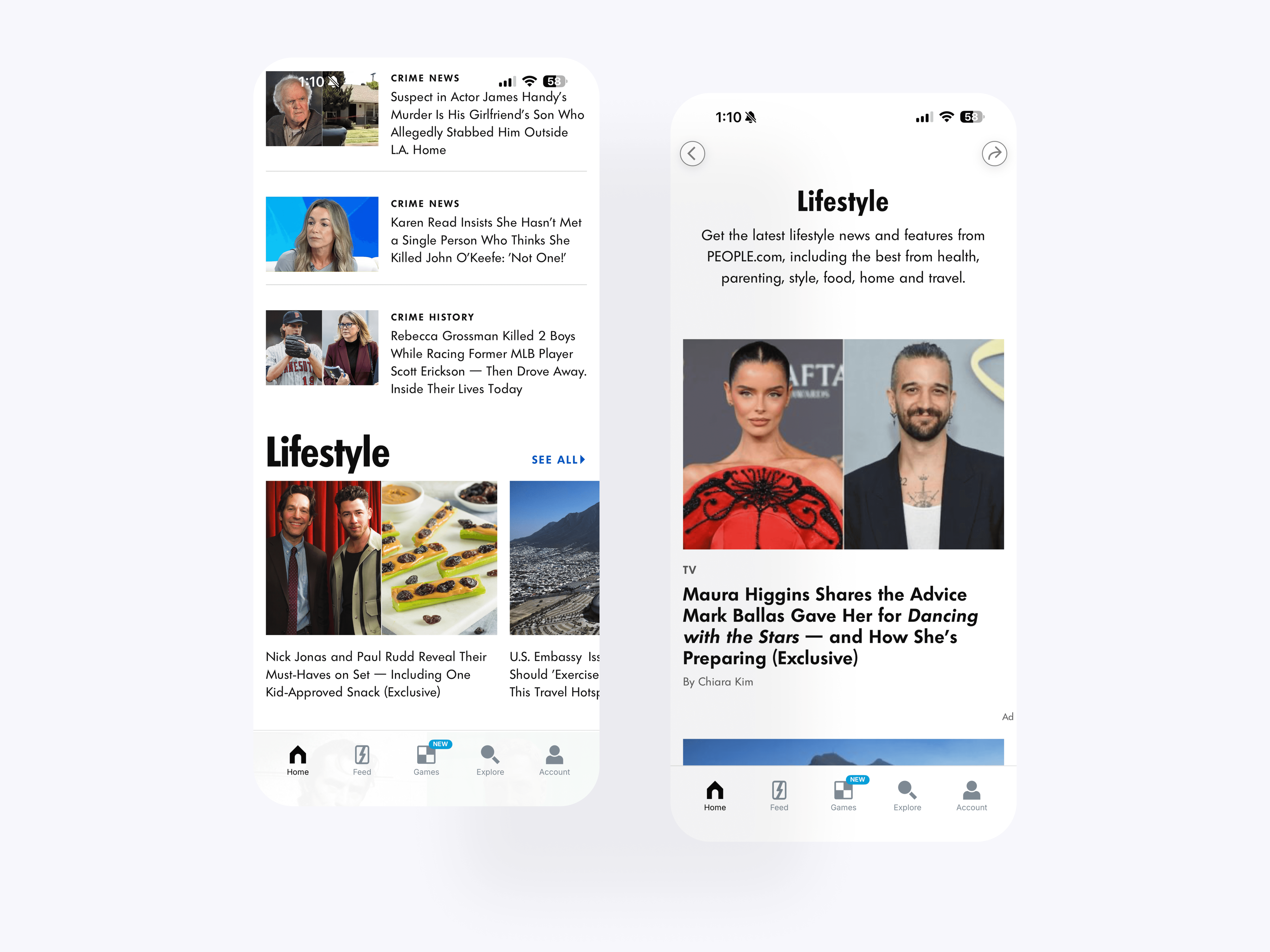
Lifestyle
The Lifestyle category brings PEOPLE’s broader service, culture, and human-interest coverage into a dedicated mobile format. Users can browse topic context, featured stories, and related article lists from one organized category page.

Royals
The Royals category creates a focused mobile destination for PEOPLE’s royal family coverage. Users can browse timely stories, category context, and related articles in a structure built for deeper editorial exploration.
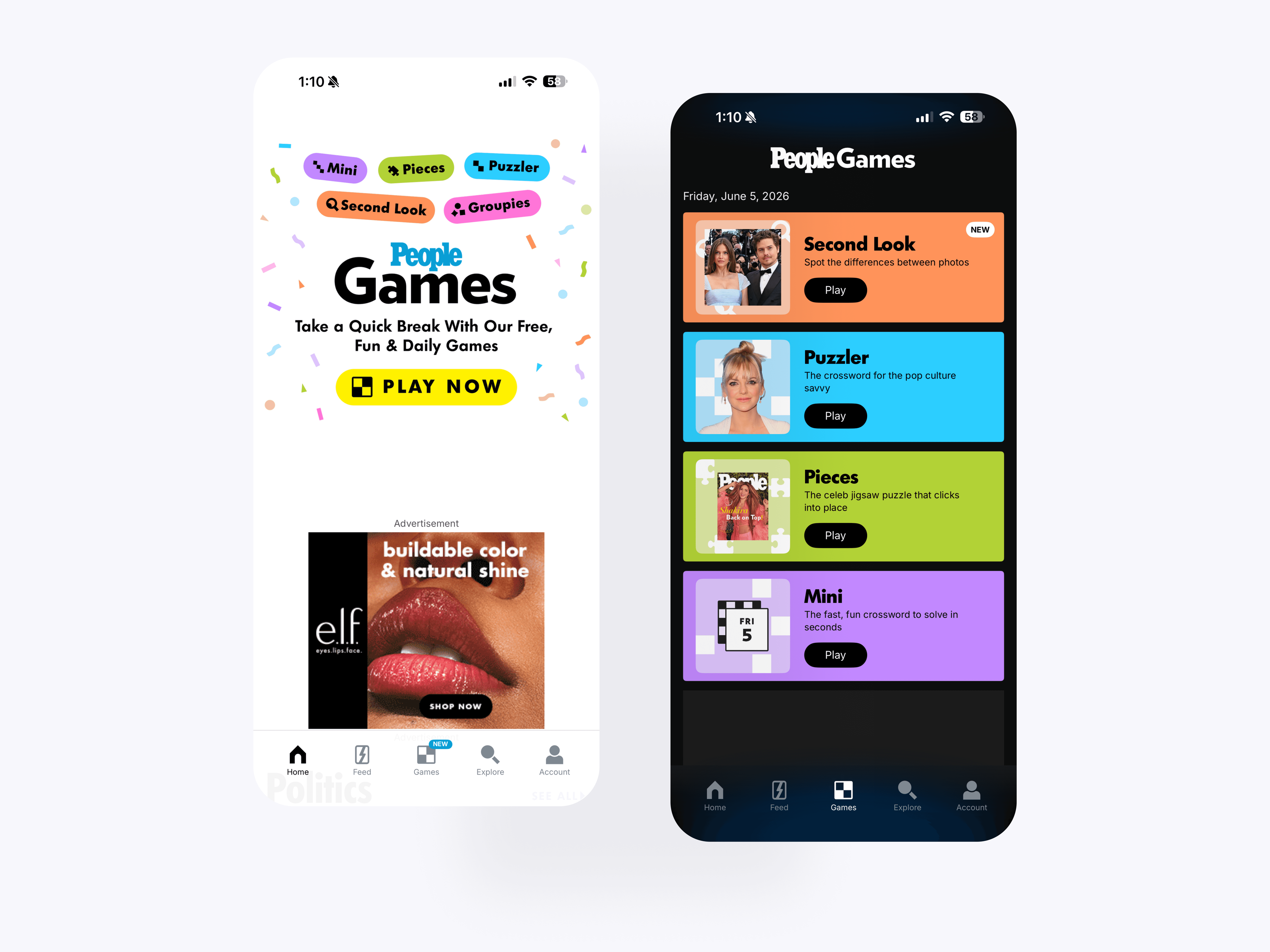
Daily Games Promotion
The games hub module promotes PEOPLE’s games ecosystem within the broader editorial experience. This created a stronger connection between article browsing and interactive daily play, making games feel like a core part of the app.

Politics & Sports
The Politics and Sports categories show how the redesigned system could support a wider range of PEOPLE editorial verticals. Dedicated category pages and article modules made these sections easier to browse without relying only on the main home feed.
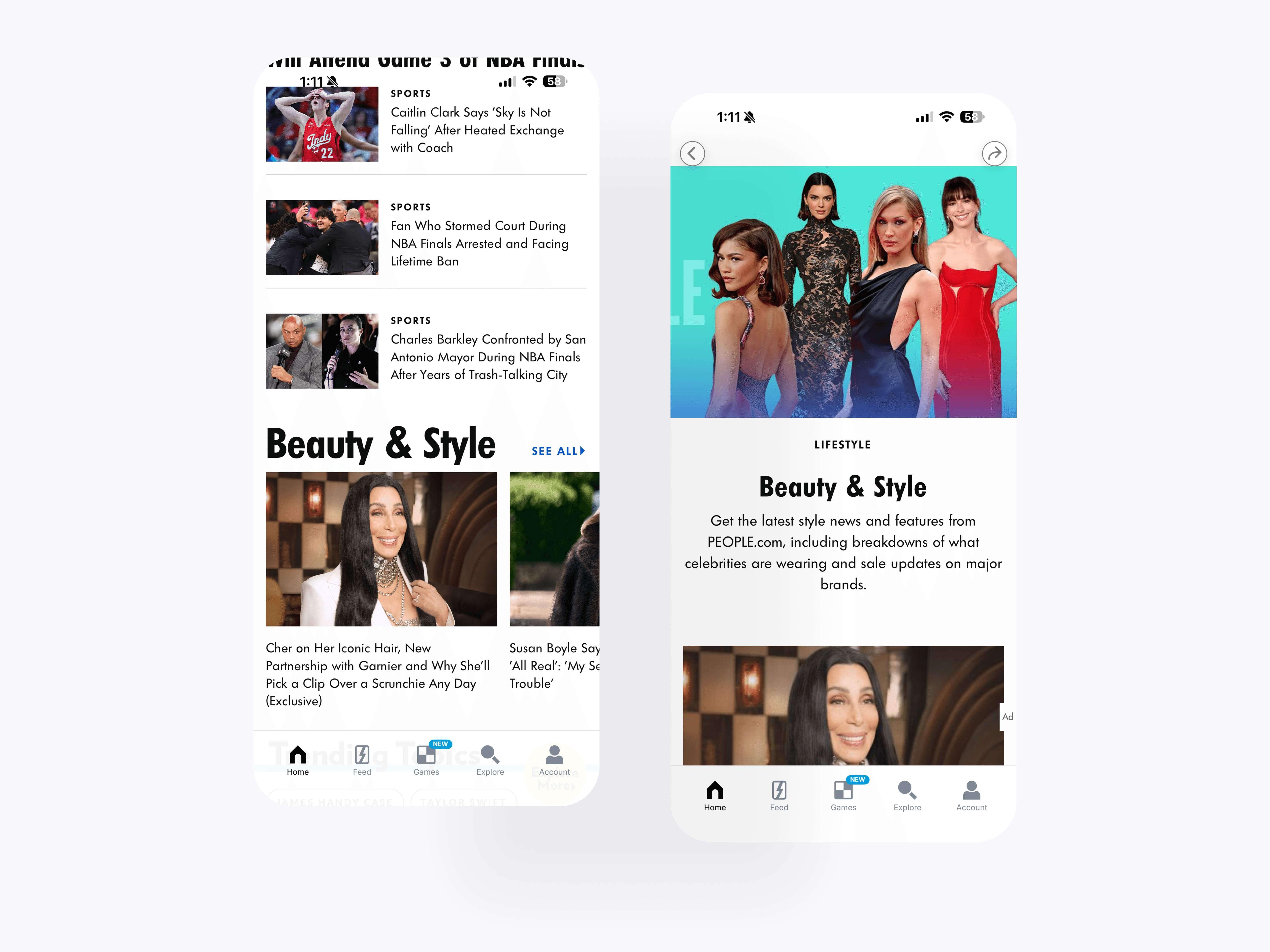
Beauty & Stylle
The Beauty and Style category brings PEOPLE’s fashion, beauty, and celebrity shopping coverage into a dedicated mobile destination. This helped support specialized editorial verticals while keeping article structure and category navigation consistent.

Trending Topics
The Explore and topic system gives users more ways to browse PEOPLE content beyond the home feed. Topic chips, story modules, and category entry points help connect users to timely stories, recurring themes, and deeper editorial sections.
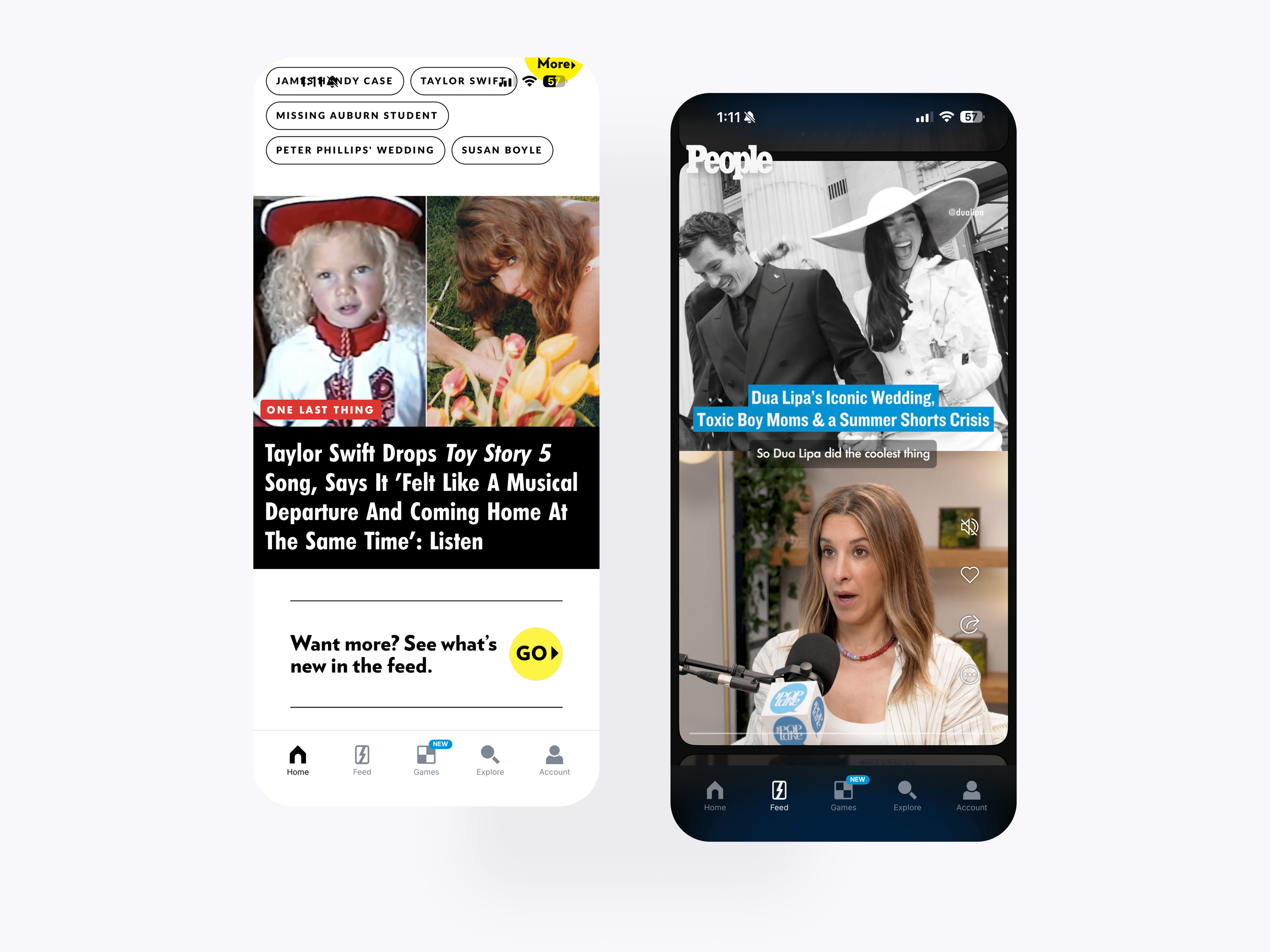
Explore The Feed
The feed bridge connects article-heavy browsing back into the swipeable PEOPLE feed experience. This gives users a clear path from editorial discovery into visual scene-based content, helping the app connect its new article system with the original core feed.